Quickstart Path
The shortest route from a running Paperclip instance to an agent that has just completed work for you. After Paperclip is installed, the path takes about 5 minutes: create a company, hire a CEO agent, approve its first strategy, watch tasks land on the board.
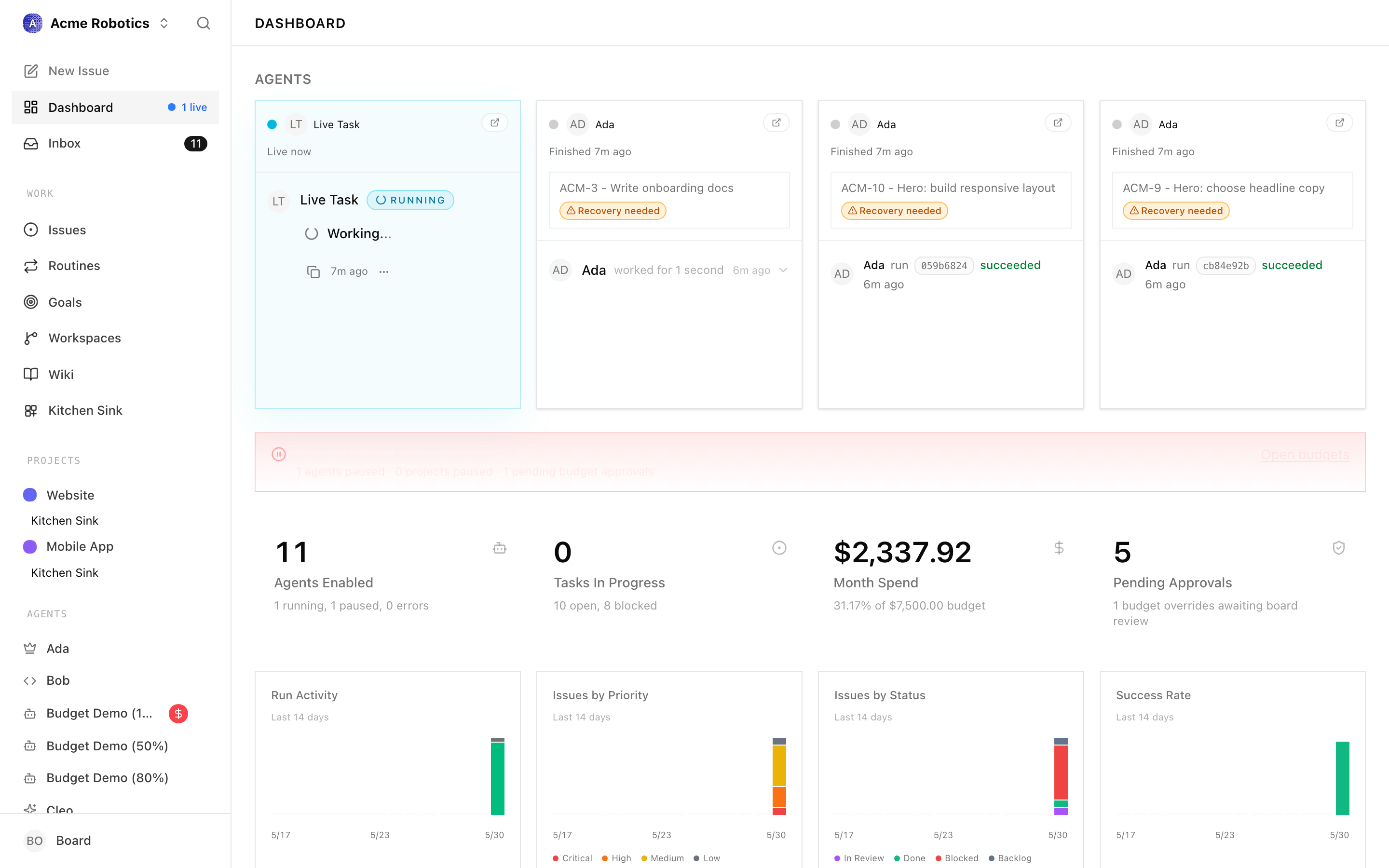
What this is, briefly
A Paperclip company is a self-contained AI organisation — one goal, a team of agents, a task board, a budget. The CEO is the first agent you hire. It reads your goal, proposes a strategy, and — once you approve it — starts creating tasks and moving them across the board.
You'll see all four ideas (company, agent, task, heartbeat) in the next few minutes. The full mental model lives in Key Concepts; you don't need it before starting.
Before the path: install Paperclip
Install Paperclip and grab an AI provider key. This is one-time setup and lives outside the 5-minute clock — depending on what you already have, expect 3–10 minutes.
- A Mac (for the Desktop app) or any machine with Node.js 20+ (for the terminal install).
- An API key from Anthropic (for
claude_local) or OpenAI (forcodex_local). The installation guide walks through getting one. - For the
claude_localadapter: Claude Code installed on the same Mac. Install this before you start the path; you'll need it in step 2.
Warning: Agents make API calls that cost money. Plan on spending $5–20 to play with the product, $20–100/month for an active company. Set per-agent and company budgets before enabling heartbeats — Paperclip pauses agents automatically when they hit 100%.
The 5-minute path
Three steps after Paperclip is running. Allow ~5–11 minutes total.
| Step | Page | What you'll have at the end | Approx. time |
|---|---|---|---|
| 1 | Create Your First Company | A company with a name and a goal | 1–2 min |
| 2 | Hire Your First Agent | A configured CEO agent in idle status |
2–4 min |
| 3 | Watching Agents Work | A heartbeat fired, a strategy approval submitted, the first tasks on the board | 2–5 min |
Read the steps in order. They're short on purpose.
What you'll see at the end of the path
By the time you finish step 3, you'll have:
- A company on the Companies page with your goal.
- A CEO agent on the Agents page in
idlestatus with its heartbeat enabled. - A pending Strategy approval in the Approvals queue, written by the CEO.
- After you approve: a handful of
todo/backlogtasks on the Issues page. - A run transcript under Agents → CEO → Runs showing exactly what the CEO did during its first heartbeat.
That's a working autonomous company. From there, you can hire more agents, refine the goal, or step in and assign tasks yourself.
Where to go next
Once you finish the three steps:
- Hire your second agent — the CEO can request reports through the Approvals flow. See Agents for role design and Org Structure for how reporting lines work.
- Set up real workflows — read Issues for the task lifecycle, Costs & Budgets for spend control, and Heartbeats & Routines for scheduling.
- Connect a code repo — the Execution Workspaces guide covers giving agents a real project to work in.
If anything in the UI seems unfamiliar along the way, Key Concepts and the Glossary are the fastest reference.